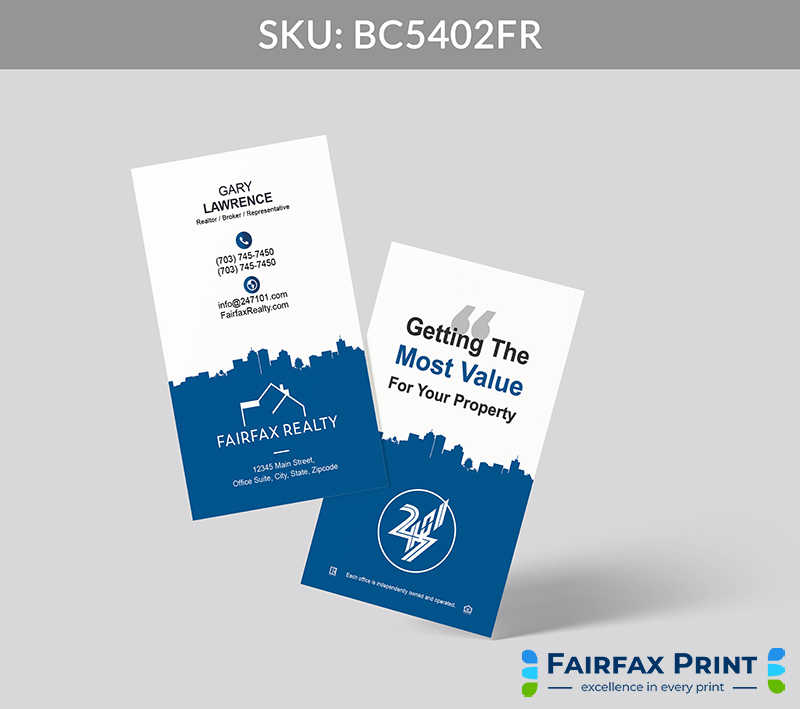
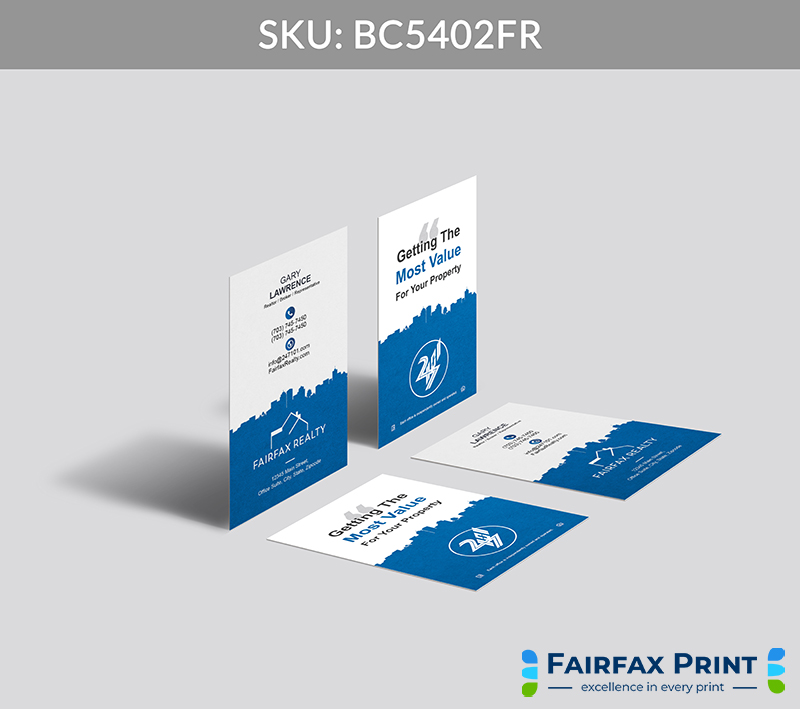
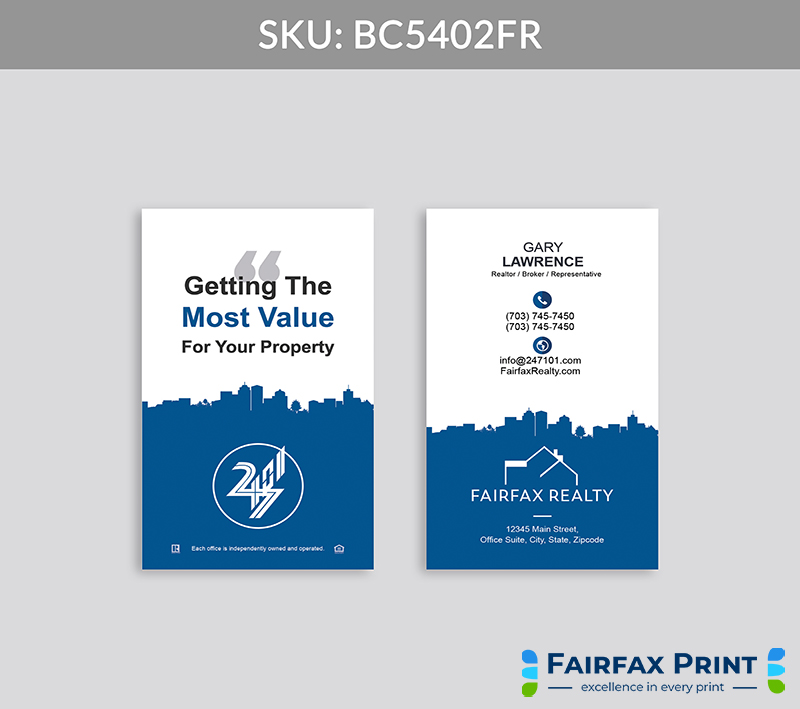
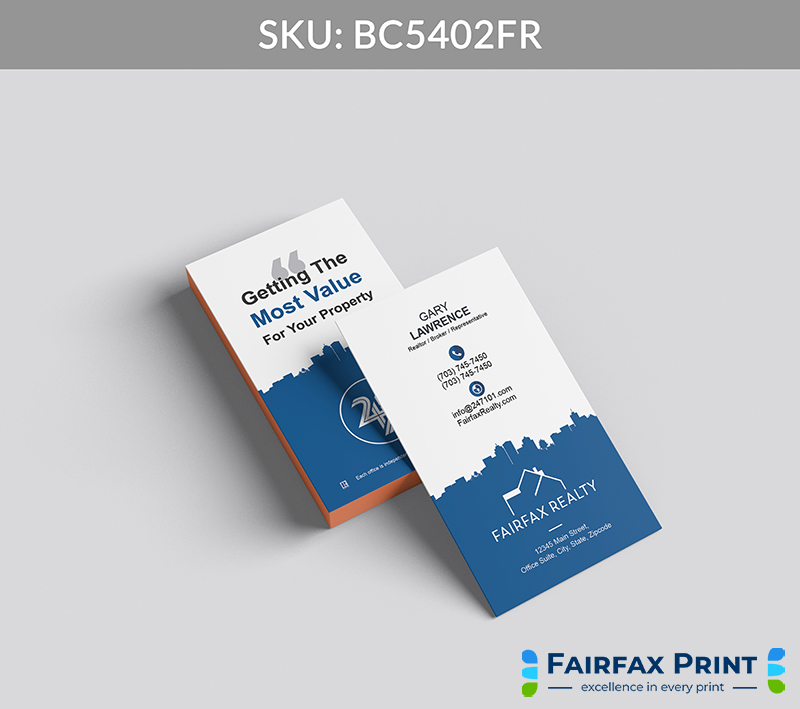
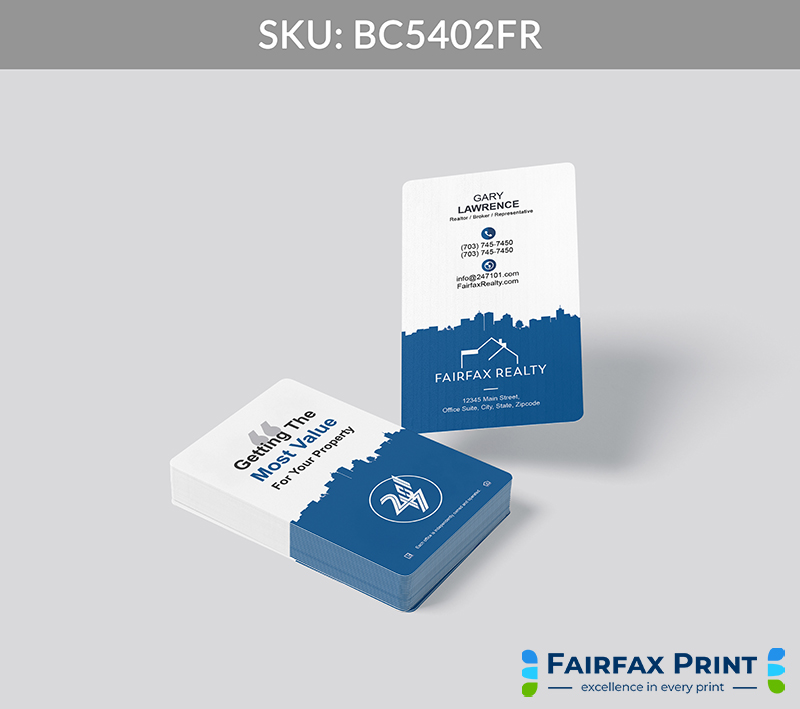
A sharp and structured business card design featuring all essential contact information on the front. The reverse side is branded with the Fairfax Realty logo, your office address, and space for either a custom slogan or a dynamic, scannable QR code to instantly connect clients to your digital presence.
Purposefully designed to mirror your professionalism, this card blends clean, bold structure with seamless digital integration—making every hand-off feel intentional and impressive. The Blue and White palette of Fairfax Realty anchors the design in visual consistency, trust, and brand authority.
Key Features:
Front-Facing Clarity: Crisp layout ensures your contact information is immediately legible and easy to navigate.
Dual-Function Backside: Choose a branded slogan or a QR code to instantly connect prospects to your listings, reviews, or personal site.
Brokerage Branding: Prominent placement of the Fairfax Realty logo and office address reinforces your identity and regional expertise.
Signature Color Consistency: The strategic use of Blue and White ties your card directly to Fairfax Realty’s premium aesthetic, building instant credibility.
Distinctive Touches for Elevated Impact
Custom Matte Texture: A smooth, velvet-like finish that signals elegance and ensures your card leaves a lasting tactile impression.
Blue Foil Accents: Subtle shimmer in Fairfax Realty Blue adds brand consistency and a luxury finish that catches both the eye and respect.
Call to Action (CTA):
👉 Let FairfaxPrint.com craft your signature card—built to elevate your reputation, strengthen your brand, and drive meaningful client engagement.
Here are few ideas:
Share during listing presentations to reinforce your market expertise and tech-forward capabilities.
Hand out at networking events where visual clarity and QR accessibility help set you apart instantly.
Offer during open houses to leave a lasting branded impression that blends trust, professionalism, and digital access.
Question: Can I include both a slogan and a QR code on the card?
You can choose one, but we recommend selecting the option that best aligns with your lead strategy—brand message or digital convenience.
Question: How does this design reflect Fairfax Realty’s brand identity?
The use of Blue and White, structured layout, and logo placement ensures every card aligns with Fairfax Realty’s professional standards.
Question: Can I update the QR code later if my site changes?
Yes! FairfaxPrint.com offers dynamic QR code solutions that can be updated post-print without reprinting your cards.
Question: Will the foil or texture affect scanability?
No—QR codes are positioned for optimal function and are never printed with foil or on highly reflective textures to ensure seamless use.
Question: Why choose FairfaxPrint.com over other printers?
We specialize in premium, brokerage-aligned materials specifically for real estate professionals—and our cards are tailored to meet Fairfax Realty’s elevated brand expectations.
🛠️ How to Order Business Cards with FairfaxPrint.com
Step 1: Choose Your Design
From the Brokerage Page, browse the available designs and select a card that reflects your personal brand.
Click “Order Now” to start your custom order.
Step 2: Fill Out the Order Form
Contact Information – Ensure we can reach you for updates and confirmations.
Business Card Details – Include all essential information like names, titles, phone numbers, etc.
Print Options – Choose your preferred paper stock, finish, style, and any additional features.
Shipping Information – Specify your desired turnaround time and delivery address.
Design Instructions – Optional. Include any specific design requests or notes.
Review & Submit – Double check your order for accuracy before finalizing.
Step 3: Make Payment
Complete payment after submitting your form to begin processing.
Step 4: We Design Your Cards
Our team starts designing once we receive your order and payment. We’ll reach out if any details need clarification.
Step 5: Review & Approve Your Proof
You’ll receive a digital proof. ✅ Approve it for print or🔁 Request Revisions for any changes.
Step 6: Production & Delivery
Once approved, we print and ship your order directly to you.